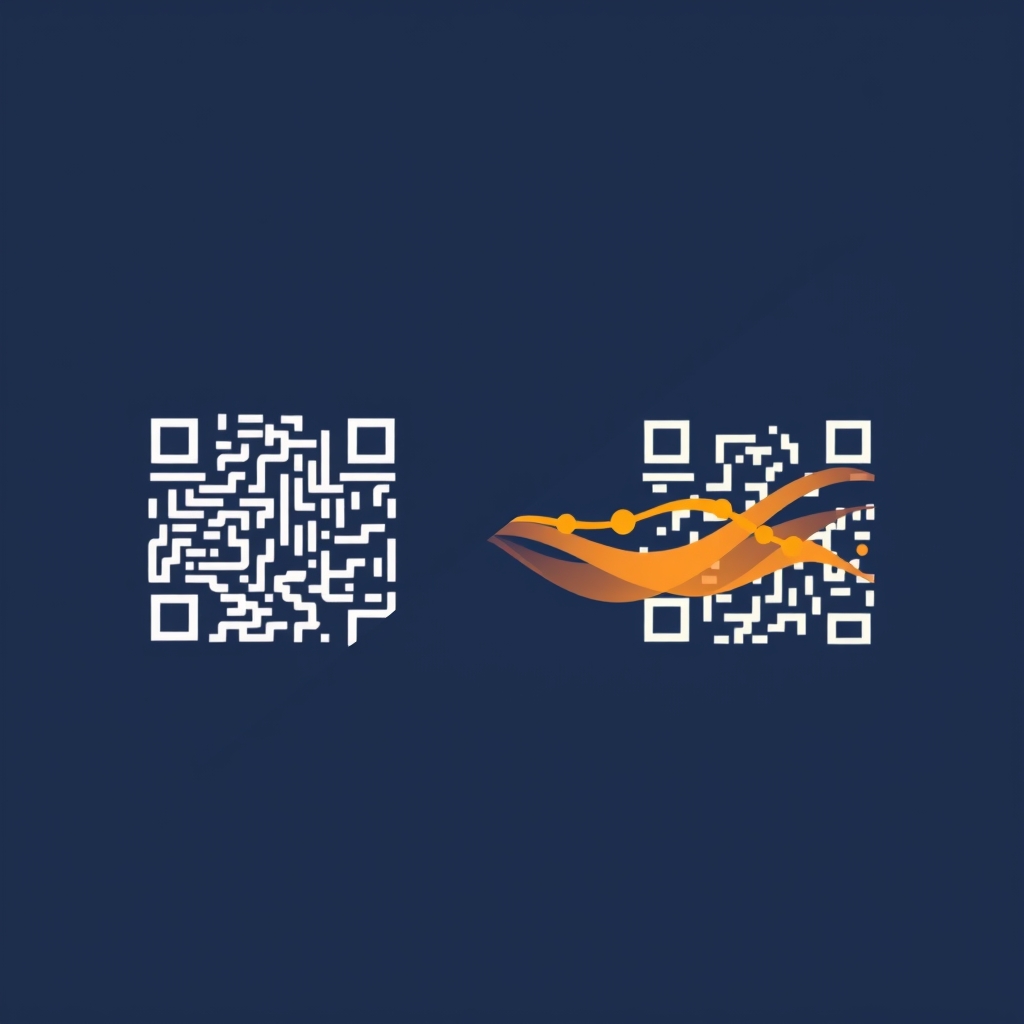
What Is a Static QR Code?
A static QR code encodes the destination address directly into the code. The pattern of black and white modules contains the full URL — or the WiFi key, phone number, vCard contact.
That sounds simple, but it comes with a crucial downside: the code is immutable. If you want to change the URL, you need to print a new code.
Static: QR → "https://my-website.com/old-page"
                       ↑ hardcoded
When Static Codes Make Sense
- WiFi credentials (rarely change)
- vCard / contact info
- Products with a fixed technical datasheet URL
- EU Digital Product Passport with fixed GS1 Digital Link
- Offline environments without tracking needs## What Is a Dynamic QR Code?
A dynamic QR code encodes only a short redirect link — for example https://qr3.app/r7f3Kx. When someone scans this code, our edge worker redirects them to the actual destination URL in milliseconds.
Dynamic: QR → "https://qr3.app/r7f3Kx"
                 ↓ (Cloudflare KV cache, < 5ms)
               "https://my-website.com/new-page"
                        ↑ changeable at any time
Advantages of Dynamic QR Codes
- Changeable destination URL — no reprinting on URL changes
- Scan analytics — country, device, browser, timestamp
- A/B testing — different destinations for campaign groups
- Geo-redirect — DE users → German-language page
- Expiration date — code deactivated after a set date
- Webhooks — real-time notification on every scan## Direct Comparison
| Static | Dynamic | |
|---|---|---|
| Changeable destination | No | Yes |
| Analytics | No | Yes |
| Scan gate (branding) | No | Optional |
| GDPR compliance | No issue | Yes (IP hashed) |
| Offline use | Yes | No |
| File size | Smaller | Larger |
| Server dependency | None | Edge worker |
Use dynamic when:
- The code is printed or embedded in materials
- You need to know how often and from where it's scanned
- You might need to update the destination URL later (menu, campaign, etc.)
Use static when:
- The data is immutable (WiFi, vCard, GS1 DPP)
- No server infrastructure is available
- Maximum resolution / smallest file size is needed## Implementing with qr3.app
import { QR3 } from "@qr3/sdk";

const client = new QR3(process.env.QR3_API_KEY);

// Dynamic QR code
const dynamic = await client.codes.create({
  type: "url",
  url: "https://my-website.com/menu",
  title: "Summer Menu 2026",
  is_dynamic: true, // default
});

// Static QR code (e.g. vCard)
const vcard = await client.codes.create({
  type: "vcard",
  vcard_first_name: "John",
  vcard_last_name: "Doe",
  vcard_organization: "Example Corp",
  // is_dynamic is ignored for non-URL types
});

console.log(dynamic.data.redirect_url); // https://qr3.app/r7f3Kx
console.log(dynamic.data.image_svg_url); // https://qr3.app/v1/codes/r7f3Kx/qr.svg
Conclusion
Dynamic QR codes are the right choice for most use cases in print, marketing and retail. Static codes keep their place for technical applications and offline scenarios. With qr3.app you can manage both types via the same API and the same dashboard.